 WhatsApp: +86 16626708626
 Email:
  Phone: +86 16626708626
Description
In plants still running GE Series Six PLCs, the single biggest barrier to keeping the system alive isn’t usually the CPU—it’s the I/O backplane itself. A cracked card guide, a corroded edge connector, or a failing power trace can take an entire rack offline and turn a routine upgrade into a multi-week nightmare. The GE IC600KD510 solves exactly that: it’s a complete, factory-fresh replacement backplane for the standard 10-slot Series Six I/O chassis (IC600YR series racks). When you drop a GE IC600KD510 into an existing cabinet, you instantly restore full mechanical and electrical integrity without touching a single field wire or re-landing hundreds of terminations.
Situations that make the GE IC600KD510 essential are painfully familiar to anyone maintaining 30-plus-year-old automation: you open a rack and find green corrosion on the fingers, a previous tech has “repaired” a broken guide with epoxy and hope, or vibration has fatigued the solder joints on the old passive backplane. Rather than gamble on cleaning and praying, engineers install the GE IC600KD510 and get a brand-new parallel I/O bus rated for another two decades of service. It’s the fastest, lowest-risk way to eliminate intermittent rack faults in critical process control environments where Series Six remains the workhorse—think primary metals, power generation islands, and large water-treatment plants that can’t justify a full migration yet still demand high reliability from their industrial automation hardware.
The GE IC600KD510 is a passive 10-slot motherboard that carries the classic Series Six parallel high-speed I/O bus (sometimes called the “P3” bus) across all ten positions plus the dedicated power-supply slot on the left. It supports every Series Six I/O module from the original 8-point relay outputs up through modern 32-point high-density cards, so you can keep the same mix of 115 VAC, 24 VDC, analog, and specialty modules you’ve always used. The backplane provides the regulated 5 V and ±15 V rails from the rack power supply directly to each slot, along with the address, data, and control strobes the CPU expects.
Installation is literally a lunch-break job: remove the old backplane screws, lift out the corroded board, slide in the GE IC600KD510, torque the hold-downs, and you’re done—no re-termination required because all field wiring stays on the swing-out terminal boards or fixed blocks mounted to the rack frame. The edge connectors are gold-flashed for low contact resistance, and the card guides are molded from high-strength polymer instead of the brittle originals that crack with age. In short, it’s a drop-in rejuvenation that returns the entire rack to better-than-new condition.

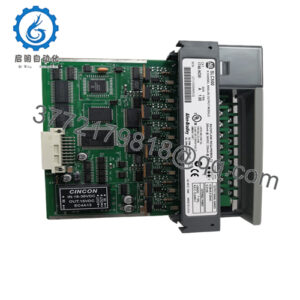
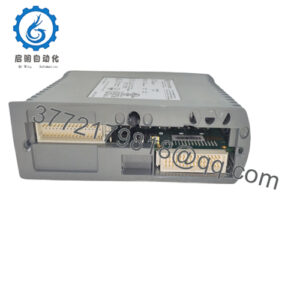
- IC600KD510
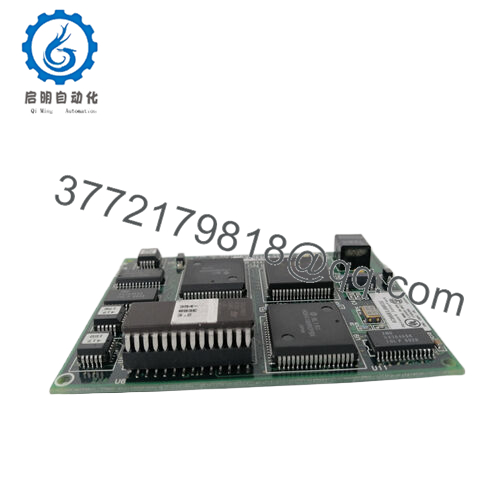
- IC600KD510
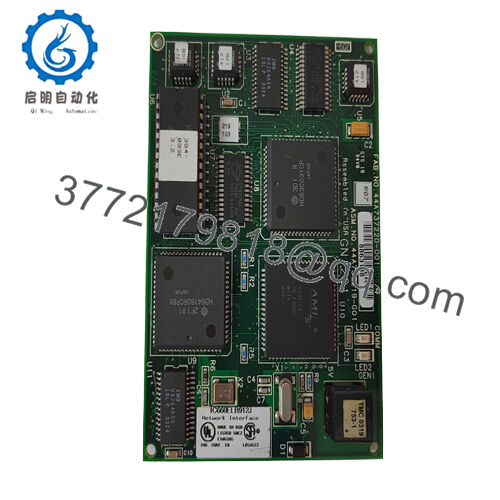
| Specification | Details |
|---|---|
| Model Number | IC600KD510 |
| Brand | GE (General Electric) |
| Type | 10-Slot I/O Backplane |
| Input Voltage | Powered from rack supply (typically 120/240 VAC input) |
| Operating Temp Range | 0°C to 60°C |
| Mounting Style | Direct replacement in IC600YR 10-slot racks |
| Dimensions | 18.9″ × 11.2″ (standard Series Six rack) |
| Weight | Approx. 1.1 kg |
| Interface/Bus | GE Series Six parallel I/O (P3) bus |
| Compliance | UL, CSA |
| Supported Protocols | Native Series Six I/O scanning |
| Typical Power Draw | Passive (draws < 1 W) |
Swapping in a GE IC600KD510 eliminates the flakey ground shifts and intermittent bus timeouts that plague aging backplanes, giving you rock-solid signal reliability for every card in the rack. Plants that have done the exchange routinely report that mysterious “I/O fault” alarms disappear overnight, and mean time between failures on the entire chassis jumps from months to years. Because the backplane is the one component you can’t easily work around, refreshing it with the GE IC600KD510 is often the single highest-leverage maintenance spend you can make on a Series Six system.
From a cost perspective, one new backplane plus a couple of hours of labor is orders of magnitude cheaper than migrating even one rack to a newer platform, and it buys you another decade of proven performance. Maintenance teams love it because the gold contacts and beefier guides mean they stop replacing the same cracked card cage every few years. In critical system uptime terms, the GE IC600KD510 is preventative medicine that keeps legacy industrial automation alive and profitable.
You’ll find the GE IC600KD510 installed wherever Series Six racks are still earning their keep: primary metals plants monitoring furnace tilts and roll stands, hydroelectric stations running governor auxiliaries, and large municipal utilities that standardized on GE in the 1980s. It’s especially common during phased migrations—engineers refresh the backplane in a rack, verify stability, then gradually replace I/O cards with higher-density equivalents while keeping the same field wiring. The result is extended life for process control environments that demand continuous uptime without the budget or downtime window for a rip-and-replace project.
IC600KD512 – 12-slot version for expanded I/O racks
IC600KD515 – 15-slot backplane for maximum density in a single chassis
IC600YR010 – Original 10-slot rack assembly if you need the full metal chassis
IC600PM500 – Matching 500 W power supply commonly paired during refresh
IC600BF900 series – High-reliability I/O modules often installed after backplane replacement
IC600CB500 – CPU baseplate if you’re refreshing the entire central rack
IC600MA502 – Rack extender kit when splitting long runs I
C600WDxxx – Pre-made cables to speed card swaps after backplane upgrade
Before installing the GE IC600KD510, power down the rack completely and verify the rack power supply is putting out steady 5.10–5.25 VDC on the test points—marginal supplies sometimes mask themselves until you introduce a clean new backplane. Lay the rack on its back or secure it so cards don’t fall out when you remove the old board. Transfer one module at a time and torque the backplane screws to 8–10 in-lb (hand-tight plus a quarter turn) to avoid warping the PCB.
After power-up, watch the rack fault LED on the power supply for ten minutes; any flicker usually means a card isn’t fully seated on the new gold fingers. Once a year, pull the rack door and inspect the edge connectors for dust or light oxidation—wipe with a lint-free cloth and 99 % isopropyl if needed. The GE IC600KD510 itself is effectively maintenance-free; the most common post-install issue is actually loose module hold-down screws from the original install vibrating free over decades. Tighten those and you’re set for the long haul.